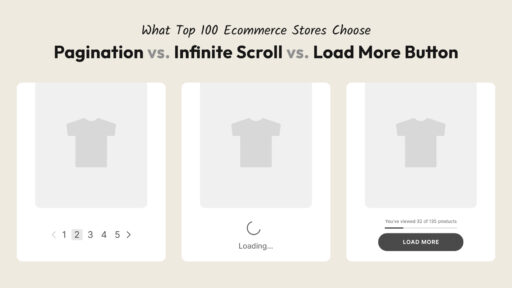

If you’ve shopped on Nike, Alo Yoga, or Glossier recently, you’ve probably scrolled through dozens of products without ever clicking a single pagination link. That’s not an accident — it’s a deliberate design choice, and it’s becoming the default for collection pages across e-commerce.
Here’s why it works, what it actually looks like on sites that do it well, and the simplest way to set it up if you’re running a Shopify store.
What’s Actually Happening on These Collection Pages
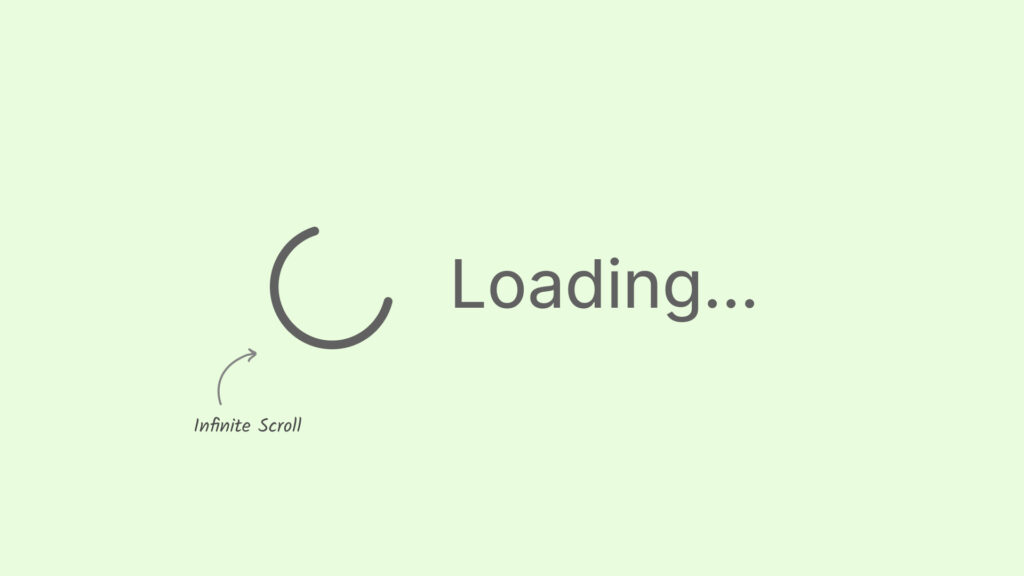
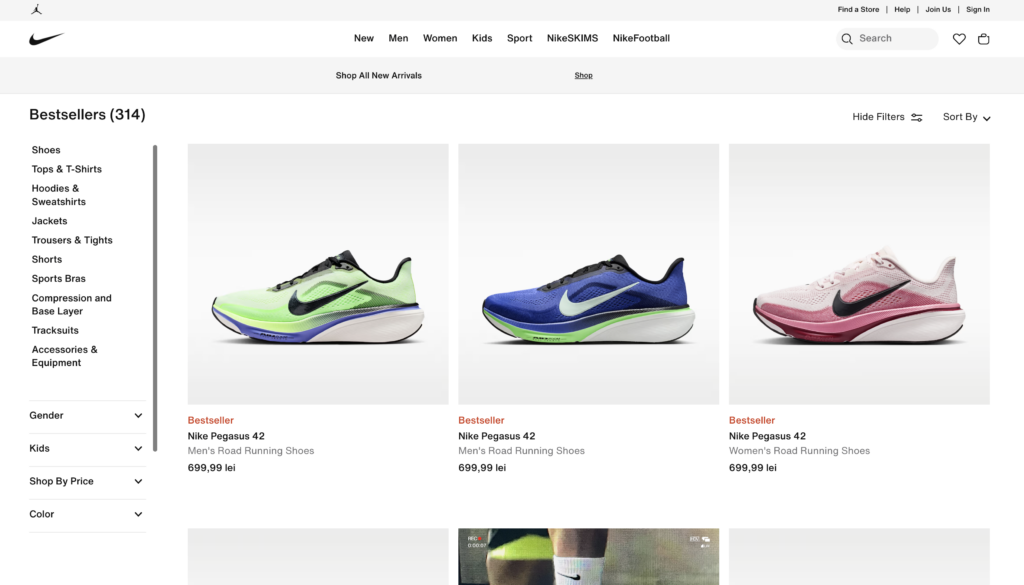
Take a look at Nike’s product listing pages. There’s no “Page 1, 2, 3” at the bottom, no “Next” button to click. You scroll, and the grid just keeps extending — more shoes, more apparel, more everything, for as long as you keep scrolling.
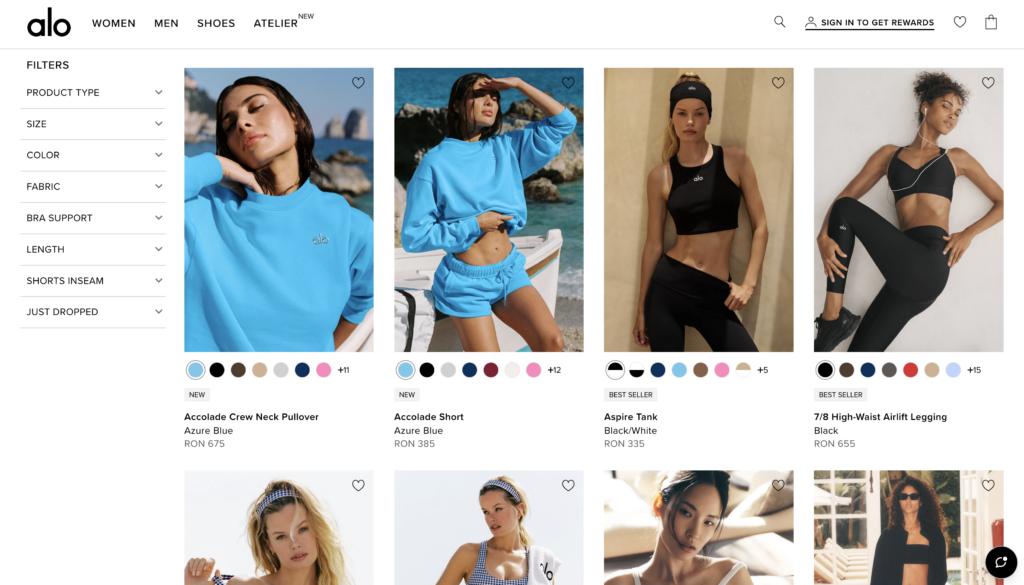
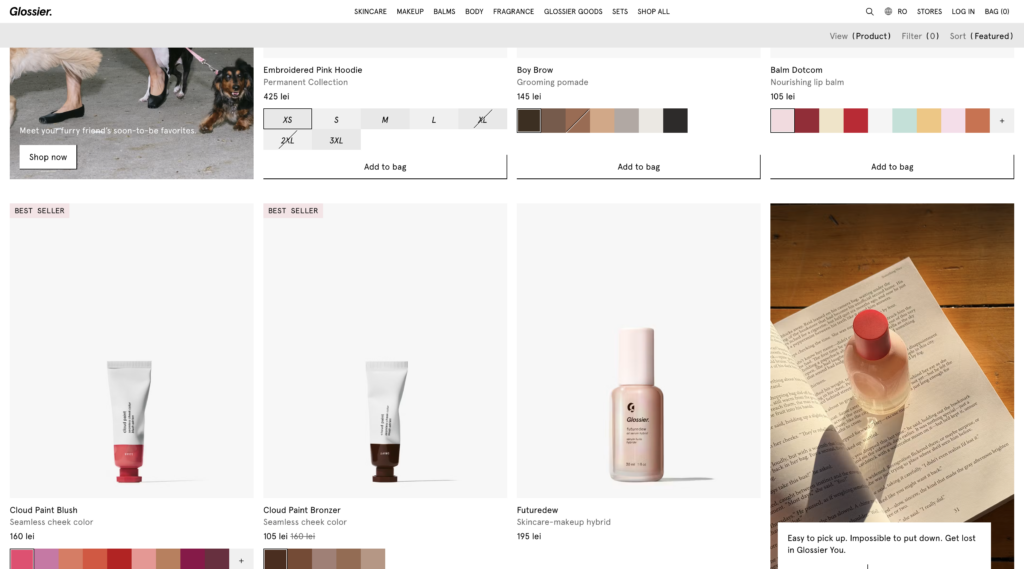
Alo Yoga does the same thing on its collection pages. So does Glossier. None of them ask you to stop and click through to a new page to keep browsing their catalog.
This isn’t a coincidence across three unrelated brands. It’s a pattern that’s become standard among DTC and larger e-commerce retailers because it solves a very specific problem: traditional pagination interrupts browsing, and interruptions cost sales.
Why This Pattern Took Over
A few things explain why brands at this level keep choosing infinite scroll over the old “click to page 2” model:
Browsing feels uninterrupted. Every time someone has to stop and click something, there’s a small chance they just… don’t. They close the tab, get distracted, or decide they’ve seen enough. Removing that click removes that exit point.
It matches how people already browse on their phones. Most shopping happens on mobile now, and scrolling is the default motion on a phone. Asking someone to tap a tiny page number is friction that infinite scroll just skips entirely.
More of the catalog gets actual eyeballs. On a paginated layout, products on page 4 or 5 are practically invisible — almost nobody clicks that far. With infinite scroll, every product in the collection gets the same shot at being seen, because there’s no extra step standing between a shopper and the next batch.
It signals a certain level of polish. Rightly or wrongly, a store that still uses old-school numbered pagination can read as a little dated next to competitors who don’t. Big brands tend to set the bar for what “modern” looks like, and this is one of the small details that contributes to that impression.
Three Ways to Add This to Your Store
You’ve got three options: hire a developer, generate the code yourself, or install an app.
The first two feel cheaper — pay once and you’re done. But Shopify updates, themes change, APIs shift, and that custom code breaks. Then it’s not a one-time cost anymore — it’s ongoing maintenance, eating both your time and your money every time it happens, with no idea when that’ll be.
An app just keeps working. The people who built it handle the updates, not you — no waiting on a developer, no digging through theme code yourself. A good app, for just a few bucks a month and with support included, usually beats paying (and waiting) for a fix every time something breaks.
The Simpler Route: Fab Infinite Scroll
Fab Infinite Scroll handles this exact problem — adding infinite scroll (or a Load More button, if you’d rather give customers a click) to your Shopify collection pages without any custom code, and without it being something you or a developer has to maintain.
A few things worth knowing about it:
It remembers where customers were. If someone clicks into a product and hits back, they land exactly where they left off — not back at the top of the collection.
It’s fully customizable. Colors, button text, animation style, fonts — all of it matches your theme without touching a line of code.
It’s lightweight, fast and works with most themes out of the box. And if your theme needs a little extra help, support will happily set it up for you.
Setup takes a couple of minutes, not a development sprint.
Where to Go From Here
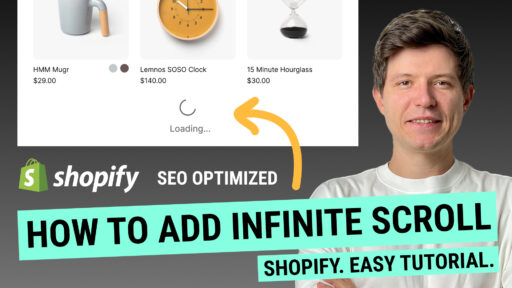
If you want the full setup walkthrough — installing the app, activating it on your theme, configuring the display style — that’s covered step by step in our infinite scroll setup guide post.
Infinite scroll on collection pages isn’t just a trend among big brands — it solves a real friction problem in browsing, and at this point it’s straightforward enough to add to a Shopify store without needing a developer on standby every time something changes.